
This checklist helps you prepare for your Free Clarity Call.
The goal is not to impress anyone with data. The goal is a faster, clearer call: better fit, fewer missing details, and a concrete first move.
If you are ready now, start here: https://seoinformatica.com/start/
Prefer a printable checklist?
Clarity Call summary
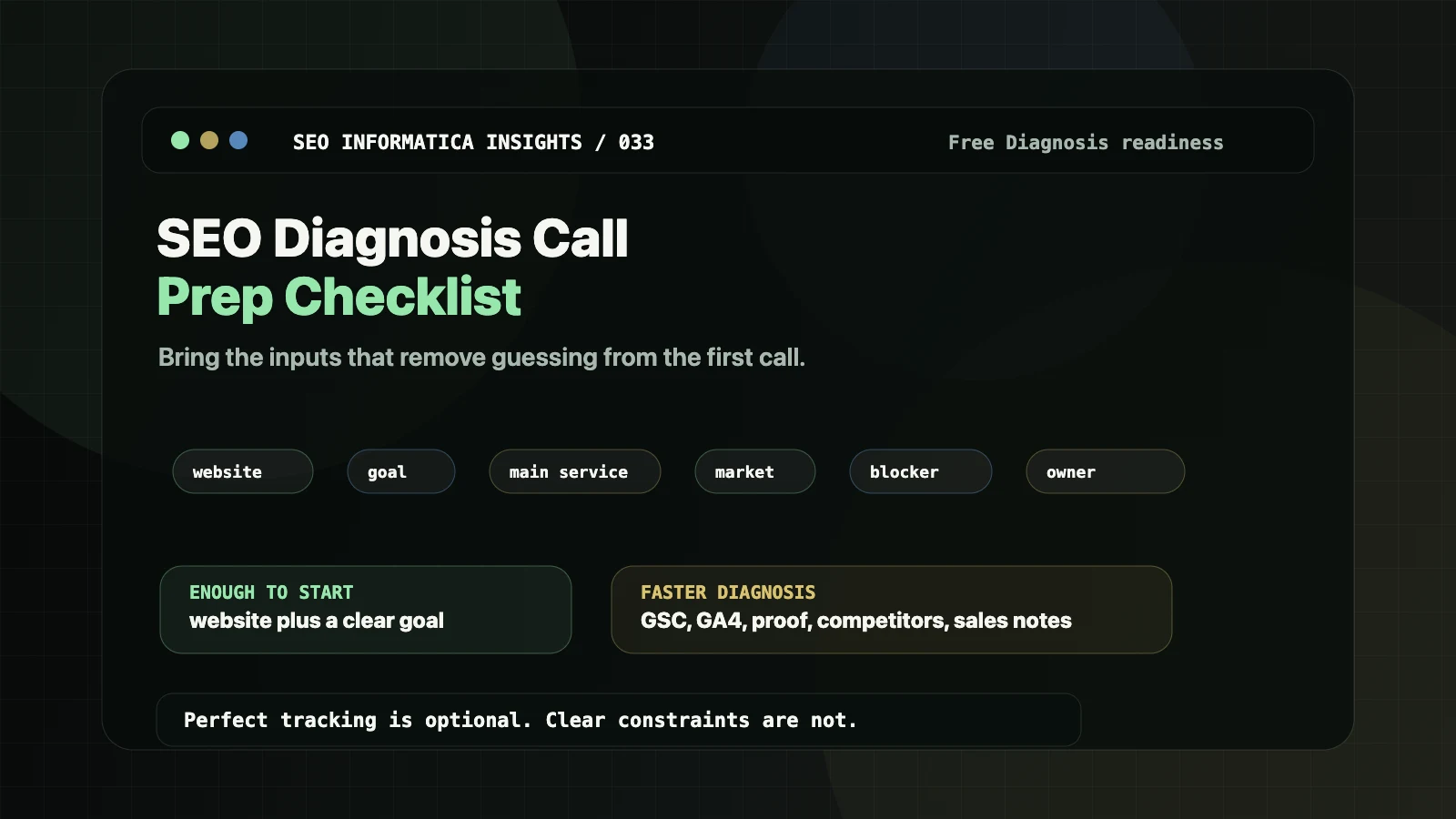
You do not need perfect tracking to book a Clarity Call. If you only have your website and a clear goal, that is enough.
The items below help us diagnose faster and avoid guessing. They also prevent the weak version of this call: a vague conversation about "more SEO" when the real issue is page clarity, offer fit, content overlap, local visibility, technical access, or broken routing.
Before you book: a quick fit check
This call is a good fit if:
- you sell a service or a clear offer and want more qualified inquiries,
- your site has traffic or visibility but lead flow feels unclear, inconsistent, or low-quality,
- you are open to fixing structure and core pages, not just publishing more content,
- someone can implement changes: you, a developer, an agency, or an in-house team.
If you only want a generic keyword list, this is the wrong call. That work is easy to sell and usually weak when the site itself cannot convert.
1. Required items: 2-5 minutes
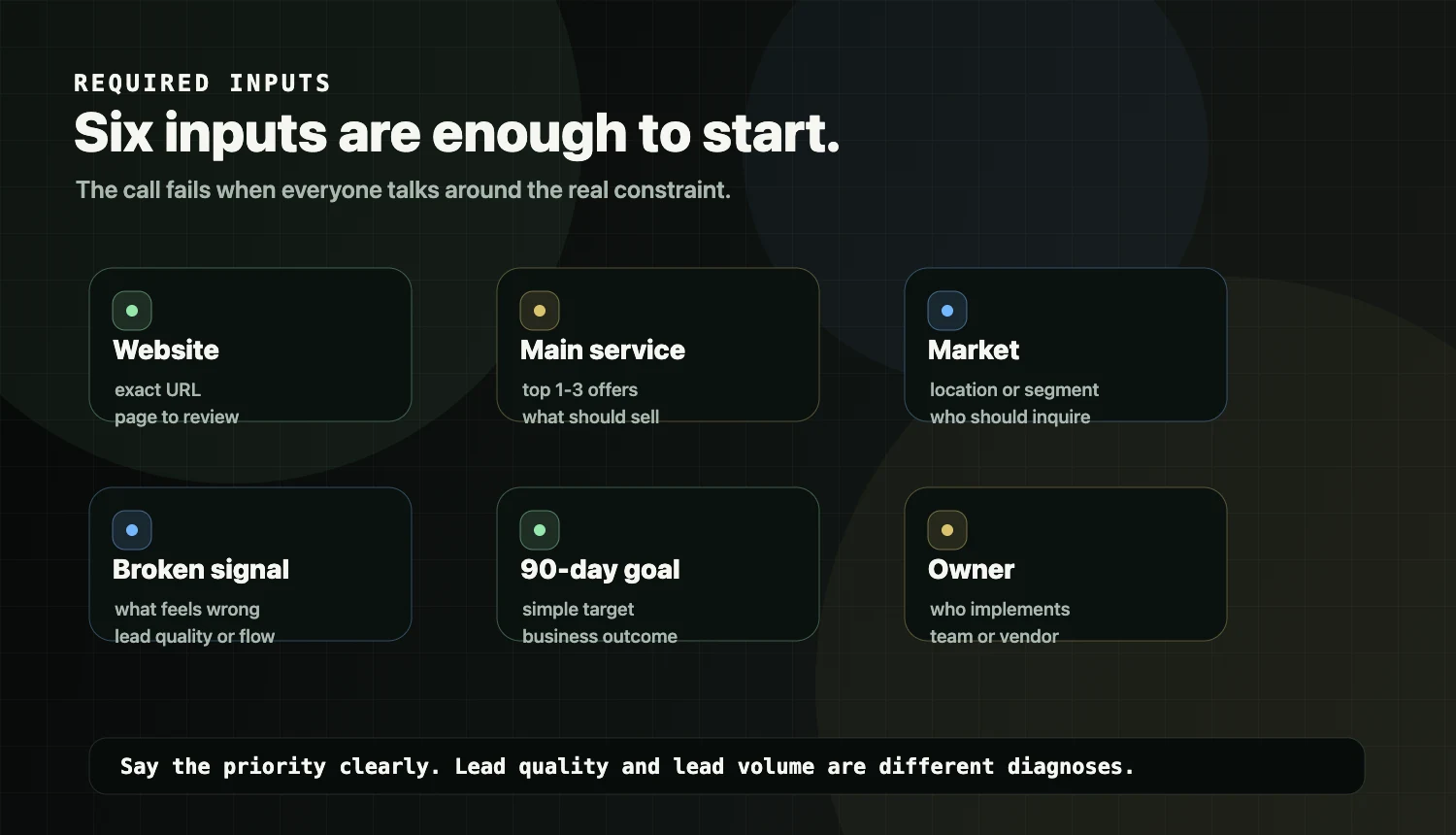
Bring these six things. They are enough to start.
- Website URL: the exact domain we should review.
- Business name and main service: the top 1-3 offers you actually want to sell.
- Primary market or location: city, region, service area, or target segment.
- What feels broken right now: traffic but no inquiries, poor lead quality, unclear services, weak local visibility, technical issues, or content that does not route anywhere.
- What a good 90-day outcome looks like: a simple target is enough.
- Who will implement changes: you, a developer, agency, or in-house team.
If your priority is lead quality, not volume, say that explicitly. It changes the diagnosis.
2. Optional data that helps us diagnose faster
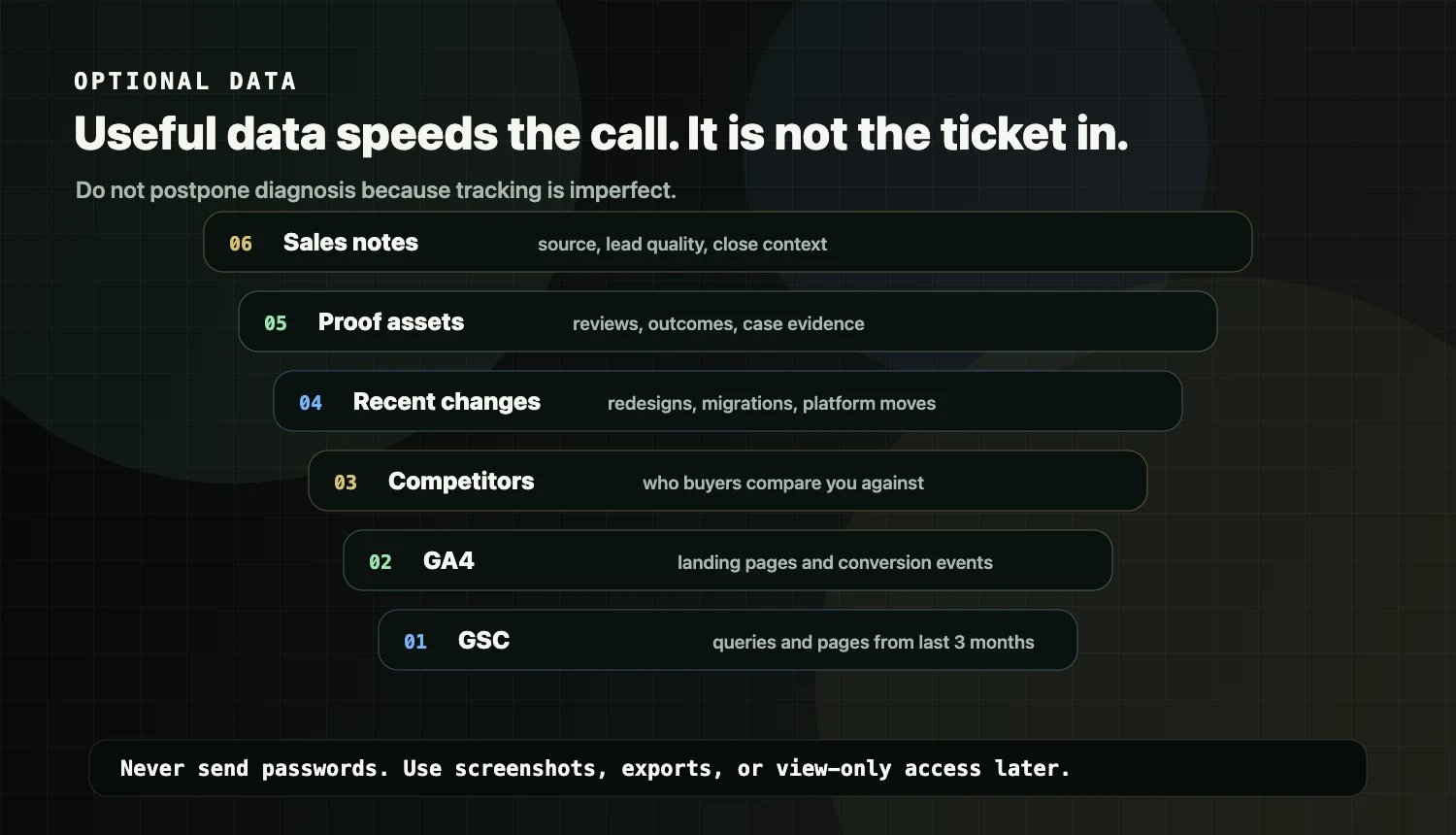
If you have these, bring them. If you do not, do not delay booking.
- Google Business Profile link, if local visibility matters.
- Google Search Console screenshots or exports for queries and pages over the last 3 months.
- GA4 top landing pages and conversion events, or a simple screenshot.
- Top 3 competitors, with links and a quick note on why buyers choose them.
- Recent redesign or migration details, especially what changed and when.
- Proof assets, such as reviews, testimonials, certifications, case studies, or outcome notes.
- CRM or sales notes from the last 30-90 days, even if the numbers are rough.
Do not send passwords. If access is useful later, use view-only access, screenshots, or exports.
3. Questions to answer before we meet
These questions reduce vague diagnosis and help us recommend the right first move.
- Which service do you want more of?
- Which service do you not want more of?
- What makes someone a qualified lead: budget, timeline, location, industry, problem type, or urgency?
- What is your typical deal value or average project size? A range is fine.
- What is your usual sales cycle?
- What do you believe is your strongest proof?
- Which pages should be your main entry points: homepage, service pages, location pages, or support content?
What we typically cover on the Clarity Call
The Clarity Call usually covers:
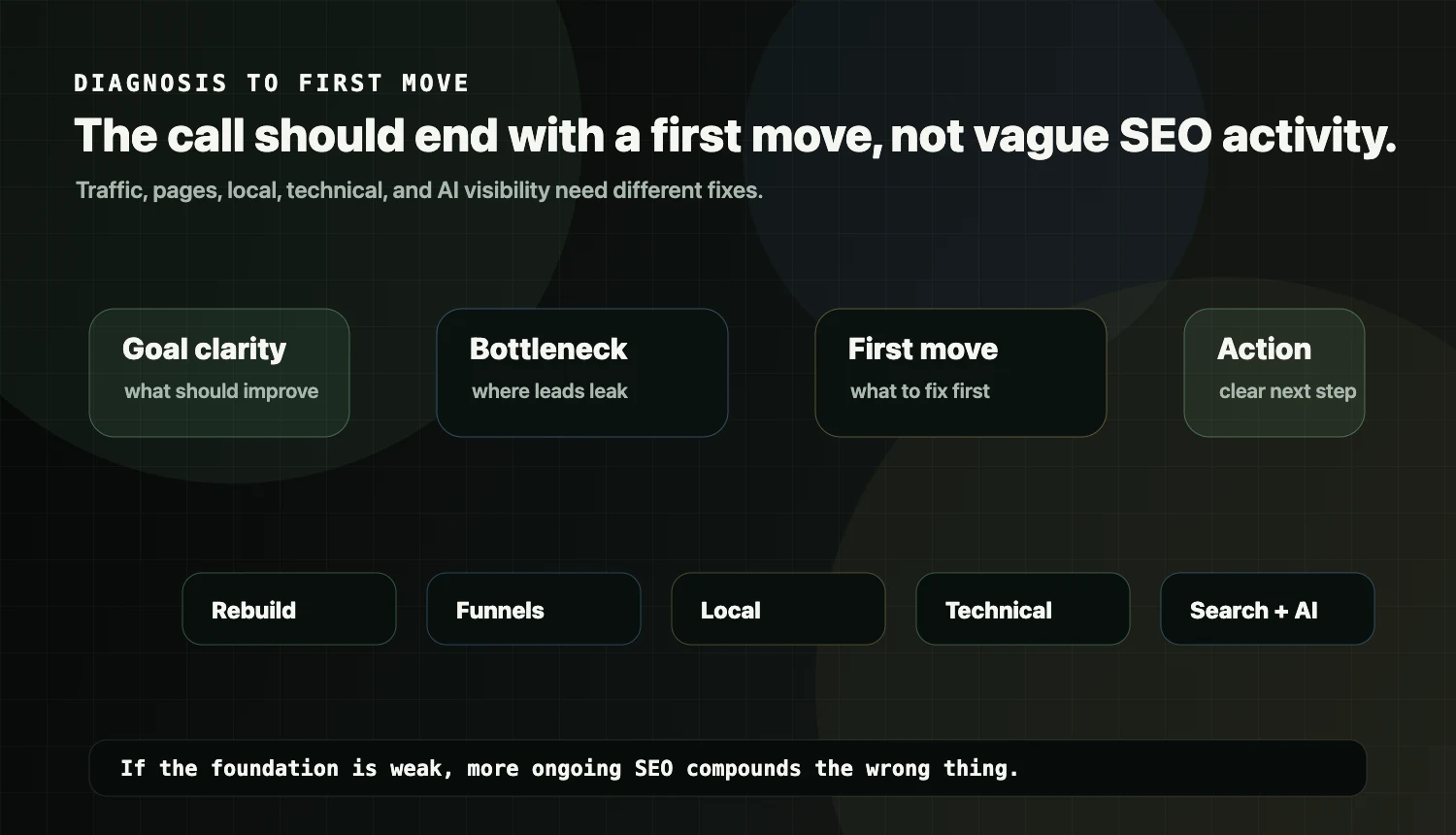
- the goal, the offer, and what a good lead means for your business,
- the biggest bottleneck: clarity, page ownership, structure, local setup, technical constraints, or content routing,
- the correct first move: rebuild, content funnels, local, technical, or Search + AI visibility,
- what implementation would look like.
If you want the wider approach before booking, read how AI SEO works.
After the call: what happens next
After the call, you should have:
- a clear view of the bottleneck,
- what to fix first,
- what not to waste time on yet,
- the recommended path,
- what implementation would involve.
If you want proof and outcomes from rebuild-style work, see: https://seoinformatica.com/case-studies/
Frequently Asked Questions
Do I need Google Search Console or GA4 to book a Clarity Call?
No. They help us move faster, but they are not required. Your website and a clear goal are enough to start.
What if I do not know my numbers, such as close rate, deal size, or conversion rate?
That is common. Bring your best estimate or skip it. The diagnosis can still identify structural issues like page clarity, routing, overlap, and weak decision support.
Should I send logins or passwords?
No. Do not send passwords. If access is useful, use view-only access or screenshots and exports.
How do I know whether I need a rebuild or ongoing SEO?
If the foundation is unclear, such as page roles, service pages, overlap, or structure, ongoing activity often compounds on a weak base. The Clarity Call is designed to tell you what the first move should be.
Will this call turn into a generic sales pitch?
The purpose is clarity. If we cannot help or you are not a fit, we will say so. If you are a fit, we will recommend the next step and what it would involve.
Want the shortest path to clarity?
Start here: https://seoinformatica.com/start/